
Software updates – Suunto Core 2
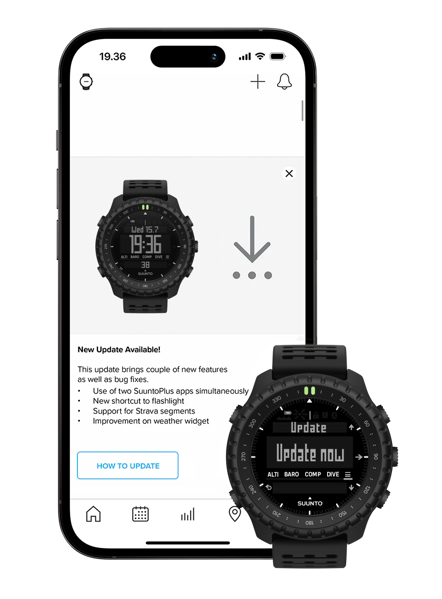
Enjoy the convenience of over the air software updates via Suunto app so that your Suunto Core 2 always has the latest and greatest software.
Over the air software update
First, make sure that the watch has been successfully paired and connected with the Suunto APP. In the "Settings" of the watch, select "Update" to connect to the APP to check for software updates and download the software update package.
Note that the software update requires the battery level to be no less than 25%.
1.13.38
Staged update starting on August 3rd, 2026
This update brings improvements and bug fixes across diving, daily use, connectivity, and system stability.
Diving
- Optimized the layout and information display of the dive interface.
- Improved data display accuracy across different units and during longer dives.
Daily use
- Added manual date setting after startup when the device is not connected to the Suunto App.
- Optimized barometer performance.
- Improved raise-to-wake and step-counting performance.
- Adjusted the default raise-to-wake schedule to 22:00–06:00.
- Improved battery level estimation accuracy.
- Optimized power management in low-battery, high-load, and software update scenarios.
- Improved the usability of alarms, countdown timers, and watch face components.
- Fixed text display issues in some languages.
Connectivity and system stability
- Improved Bluetooth compatibility with Android phones.
- Optimized Suunto App connection and synchronization, improving sync stability.
- Improved software update speed and stability.
- Improved device sleep, wake-up, and overall system stability.